
Use Cases
From remote work to unattended devices,
the same way to connect
From remote and mobile work to help desks, unattended device maintenance and operations centers — the same way to connect.
Use Cases
PC Any Use Cases
From remote and mobile work to help desks, unattended device maintenance and operations centers — the same way to connect.
- 01
Nomad Worker / Student
When you need files or programs on your work PC while on the move. Connect remotely to your registered PC and keep working without downtime.
- 02
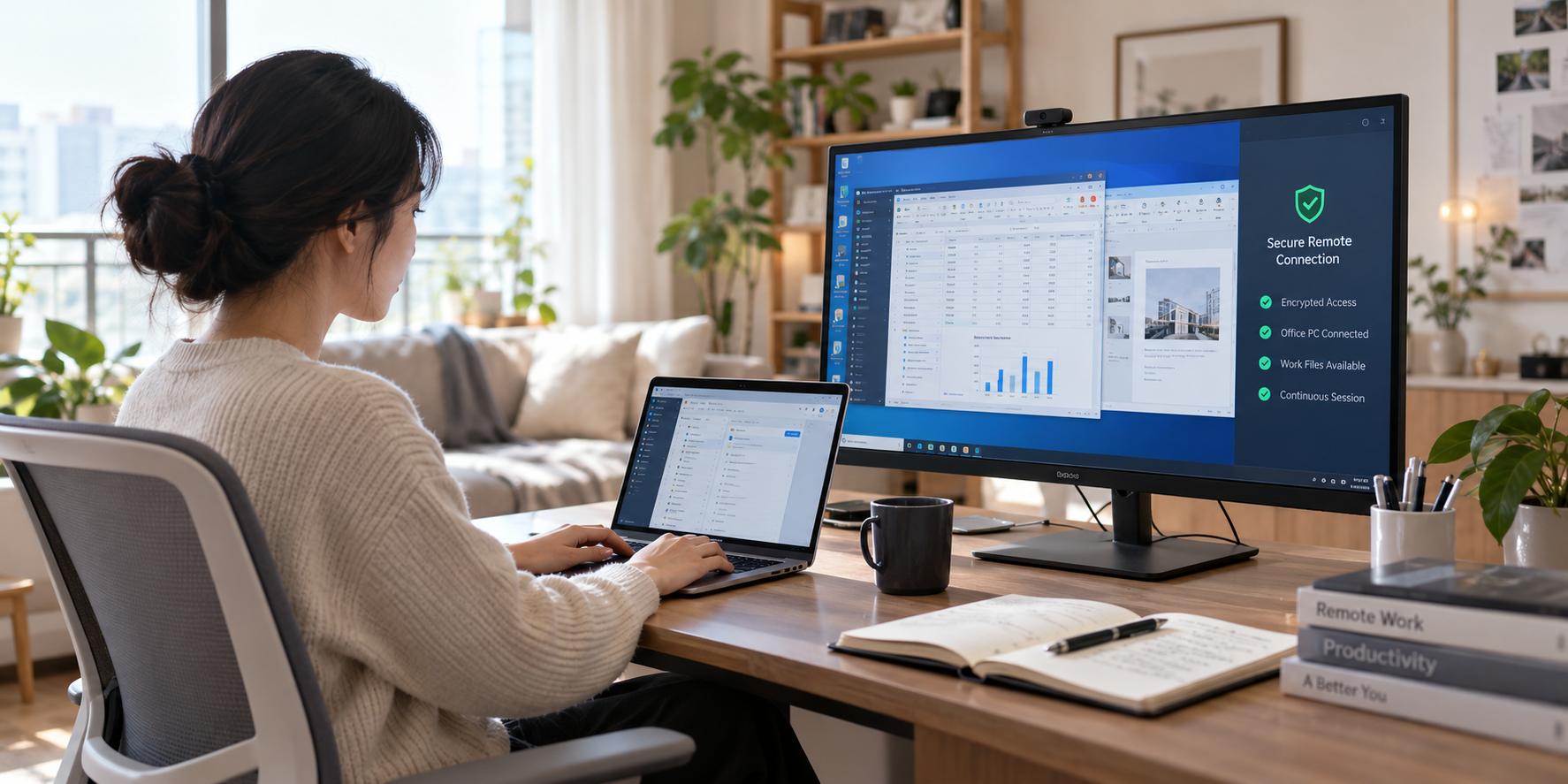
Remote Worker
When you need a program or file that only exists on your office PC, from home. Select your registered office PC to connect remotely and access in-house systems and files the same way.
- 03
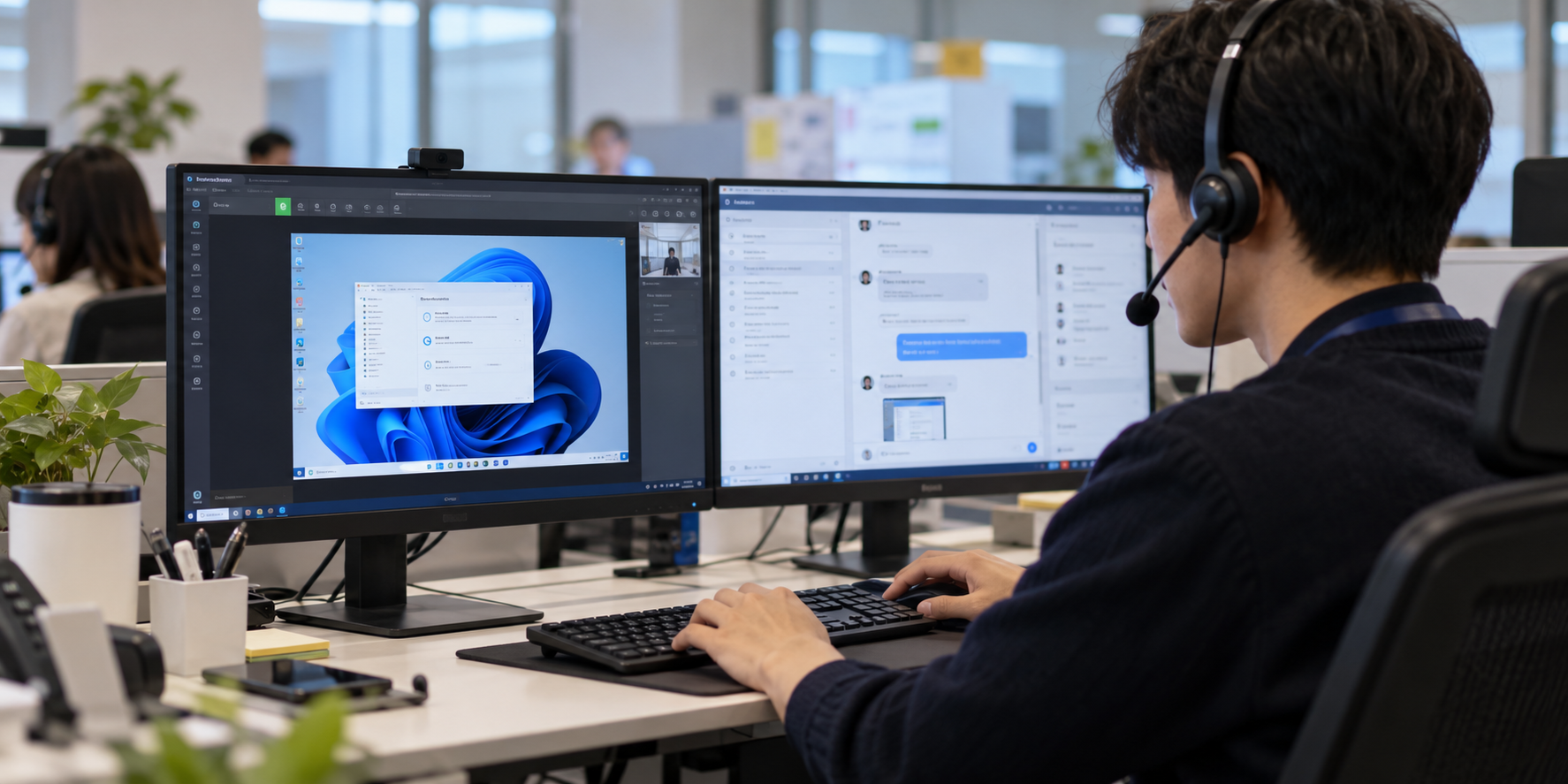
Customer Support / Helpdesk
When you need to guide a remote user through a PC problem while seeing their screen. Share the customer's PC screen to identify the cause and resolve the issue together.
- 04
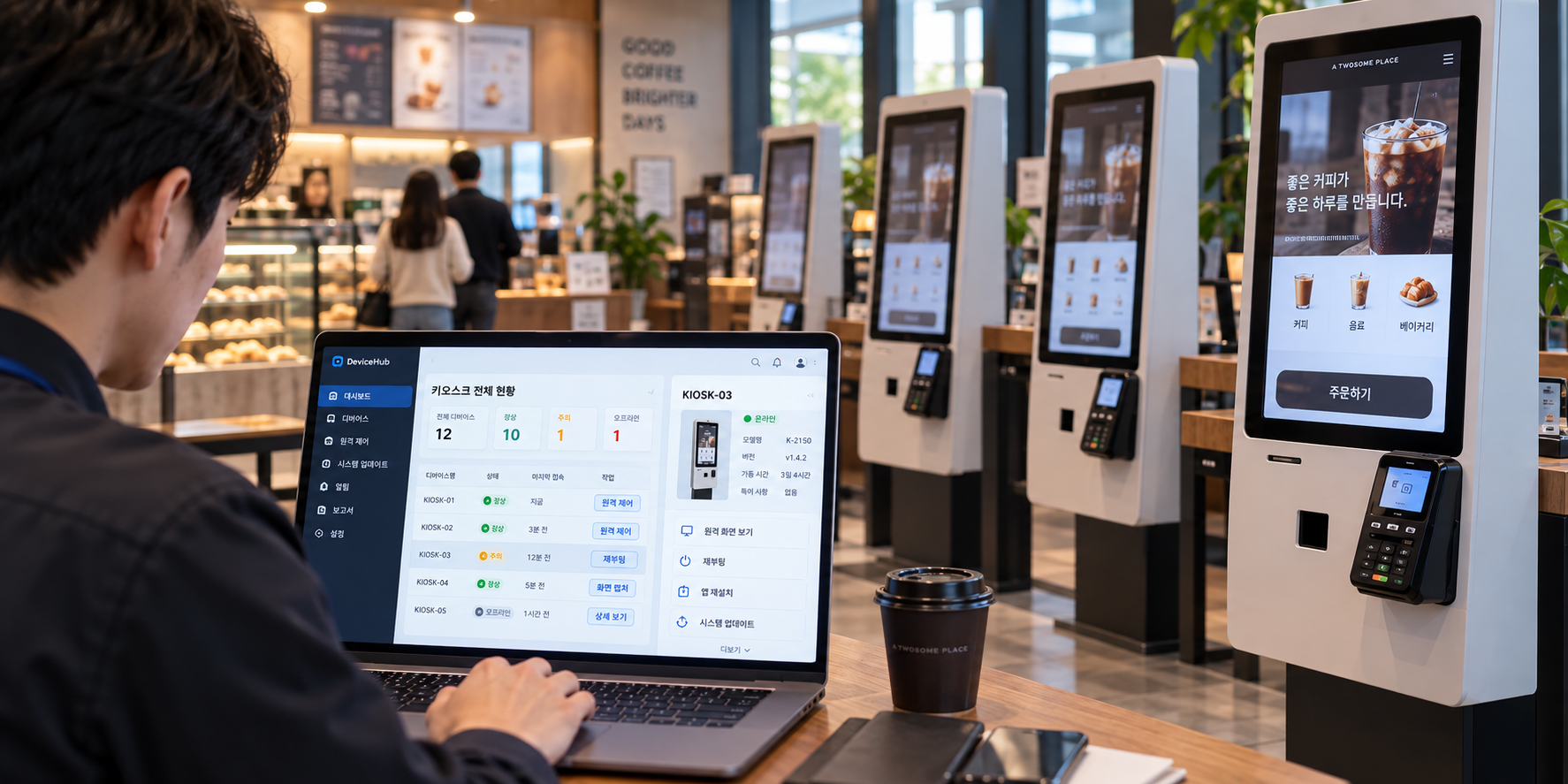
Unmanned Terminal Maintenance / Device Management
When you need to check the status of an unattended device or kiosk in another location without visiting. Connect remotely before a site visit to check the screen and status, and take the action you can.
- 05
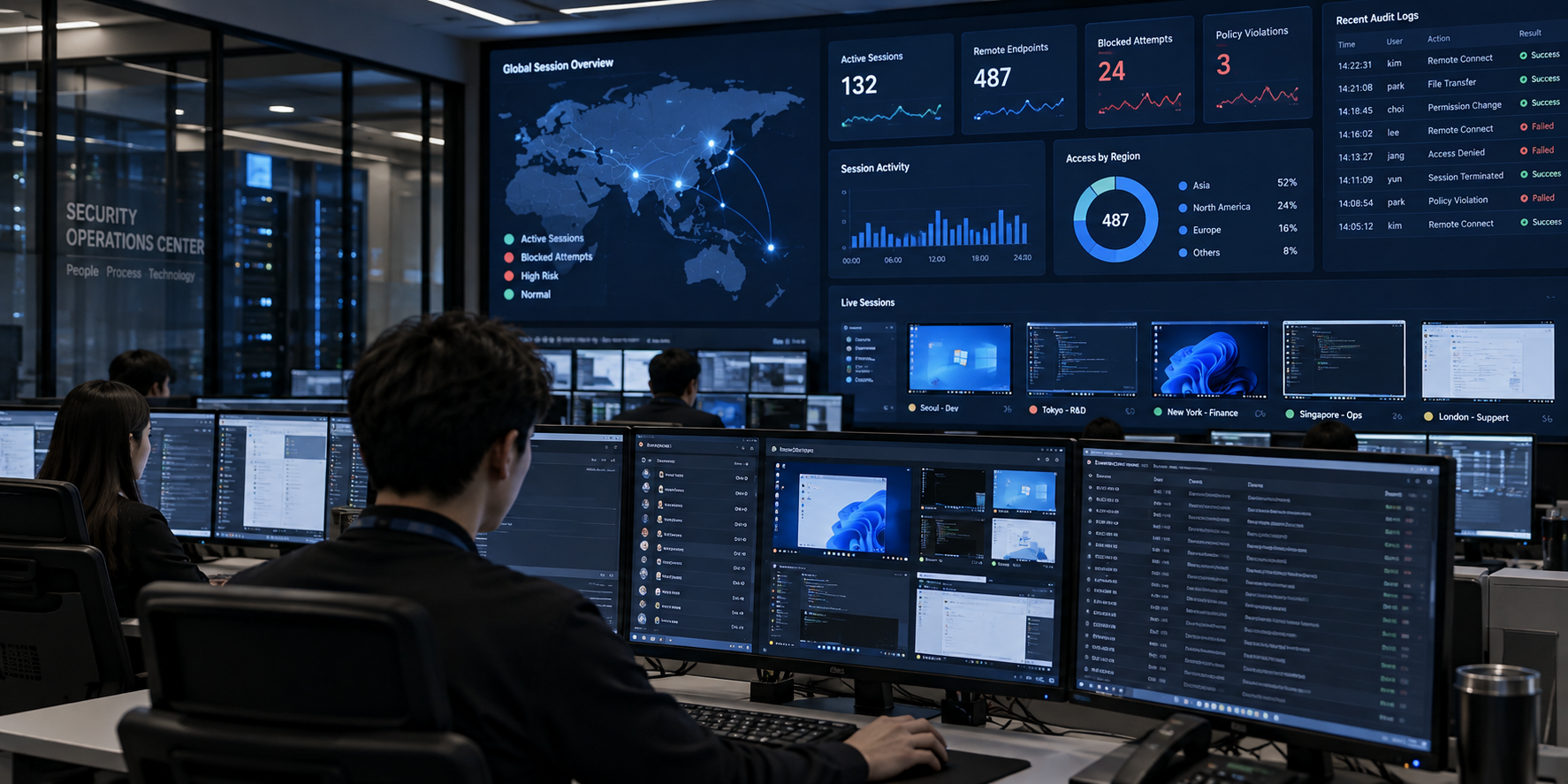
Security Monitoring / NOC (Operation Center)
When you need to monitor and manage access across multiple PCs at once. Monitor with multi-monitor/session support, and manage access with IP/time restrictions and access logs.
Use Cases
Everyday Situations That Call for Remote Access
-
노마드워커 / 대학생
이동 중에도 업무 PC에 즉시 접속, 다운타임을 줄입니다. 실시간 협업, 장비 고장 시 대체 작업 경로도 확보됩니다.

-
재택근무자
출퇴근·장애대응 시간이 줄어 생산성과 업무 연속성이 강화됩니다. 사내 시스템·파일서버에 동일하고 안전하게 접속합니다.
-
고객지원 · 헬프데스크
고객 화면을 공유해 문제를 즉시 해결합니다. 설치·패치를 원격으로 배포하고 재부팅도 지원합니다.
-
무인단말 유지보수 / 기기관리
무인 키오스크 장애를 원격 점검·재부팅으로 즉시 복구합니다. 브라우저 접속만으로 기기 상태·설정·버전을 중앙 관리합니다.
-
보안관제 · NOC(운영센터)
다중 모니터·세션으로 동시에 관제합니다. IP·시간대 제한과 감사 로그로 접근을 관리합니다.
Customer Stories
Real Stories From Our Customers
See how people in different roles actually use PCAny.
College student using PCAny
"I stayed up all night finishing my project, then left it at home."
I stayed up all night preparing for a presentation and rushed to campus in the morning, only to realize I'd left both my printed materials and the USB drive with my files at home. No one was home to send them to me, and for a moment I panicked. Then I remembered I had PCAny. I was able to quickly transfer the files from my home computer and give the presentation. If my grade this semester turns out well, I'll have PCAny to thank!
Data administrator using PCAny
"I have something simple to fix, but it's the middle of the night."
At my company, employees can only use their computers in the office, so I often had to stay late even for small tasks. That meant less time with my kids in the evenings. Now, thanks to PCAny, I can handle it from my phone on the way home, or from my computer at home. There's a lot more laughter in the house these days.
POS technician using PCAny
"I'm too busy driving to sites just to fix simple errors."
I used to spend most of my time traveling between cities to service POS terminals at every store. Since adopting PCAny, I can check sales and manage every location right from my office computer. I can also fix minor errors remotely without a site visit, saving a lot of time and cost.
Design agency manager using PCAny
"I just arrived at the client's office and my laptop won't turn on."
I had a presentation to give at a client's office, but when I arrived my laptop wouldn't power on. There wasn't time to go back for another one. Then I remembered PCAny — I connected to my office computer straight from my phone, pulled up the screen, and walked through the presentation without a laptop at all.
Sales representative using PCAny
"A client asked for a quote while I was on vacation."
Of course I'd rather not think about work at all while I'm on vacation. But as someone in sales, I can't afford to lose an important deal or come back to a mountain of work. With PCAny, I can handle anything urgent that comes up while I'm traveling. That's why I'm planning an overseas trip with the kids this time.
Office worker using PCAny
"I don't want to download or install personal files on my work computer."
I wanted to trade stocks during my lunch break, but I didn't want to install unrelated software or put a personal digital certificate on my work computer. Now I just connect remotely to my home computer to trade — no extra installs, simple and convenient.
See it in your own environment first
Start a free trial and check remote access in your actual working environment.
Email pcany@pcany.netPhone 02-839-7500 (ext. 3) · Weekdays 9:00–18:00 (KST)